📱
Android 1.5 and up
Declares minSdkVersion 3, so it can be installed on devices far older than what mainstream keyboards still support, while targeting Android 14.
Runs on Android 1.5 and up, fits in under 1 MB, and packs 60+ layouts, offline suggestions, emoji and clipboard history.
Download APKView source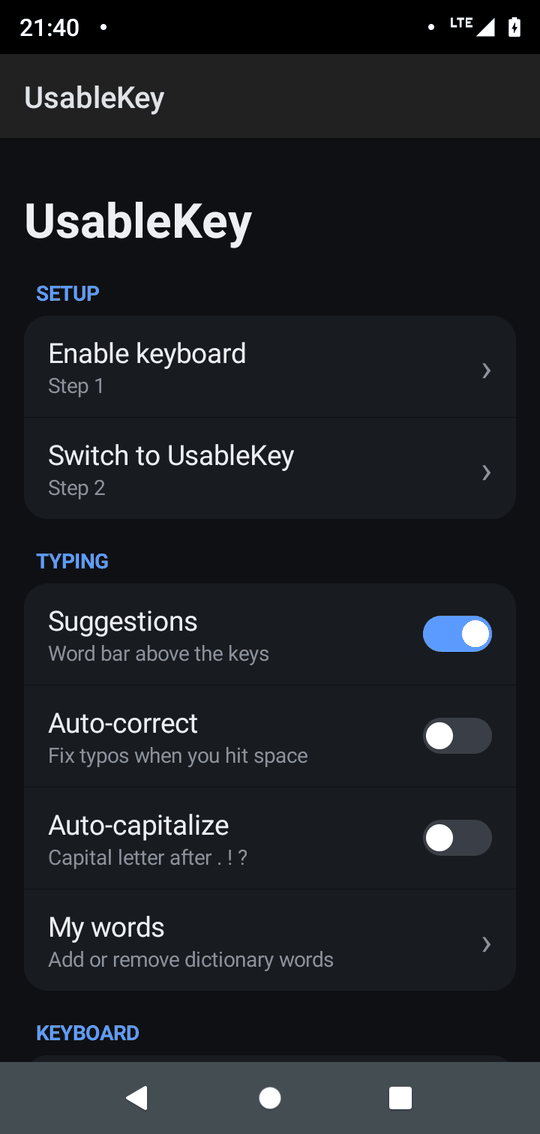
Most keyboards keep growing. UsableKey does the opposite: no libraries, no frameworks, no cloud.
Declares minSdkVersion 3, so it can be installed on devices far older than what mainstream keyboards still support, while targeting Android 14.
The entire APK, with 13 compact dictionaries and 60+ layouts, is smaller than a single photo. Great for tight storage.
Plain Android views, about 3,700 lines of Java, precompiled dictionaries and no background network work. Less to load, less to run.
How it compares in general with typical full-size keyboards:
| UsableKey | Typical keyboard | |
|---|---|---|
| Oldest Android | 1.5 (API 3) | Often 5.0 or newer |
| Install size | < 1 MB | Tens of MB |
| Internet access | None | Often requested |
| Ads / accounts | None | Varies |
| Source code | MIT, open | Often closed |
Small does not mean basic.
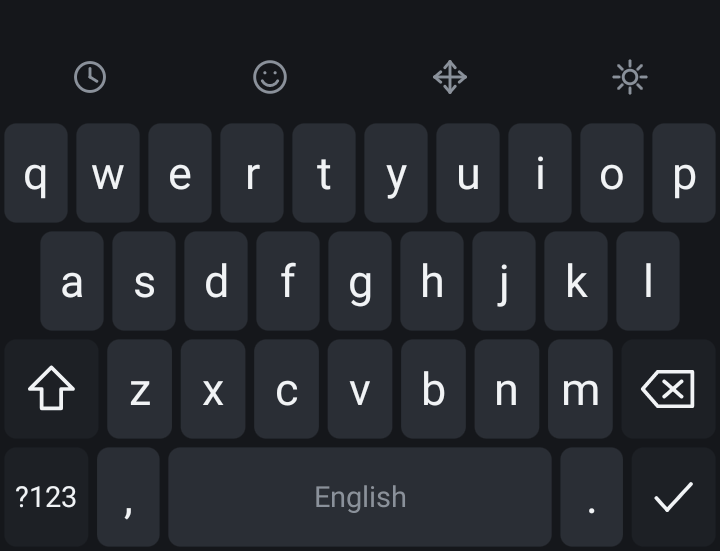
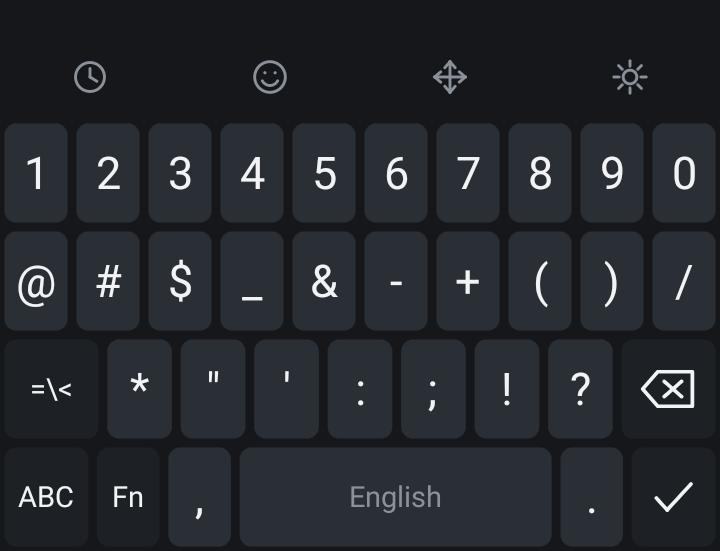
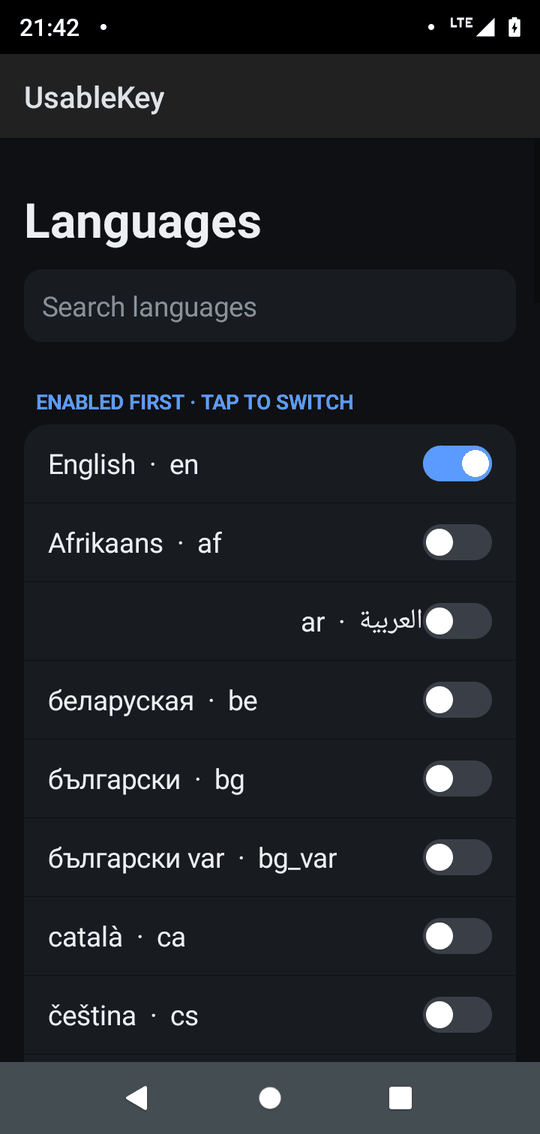
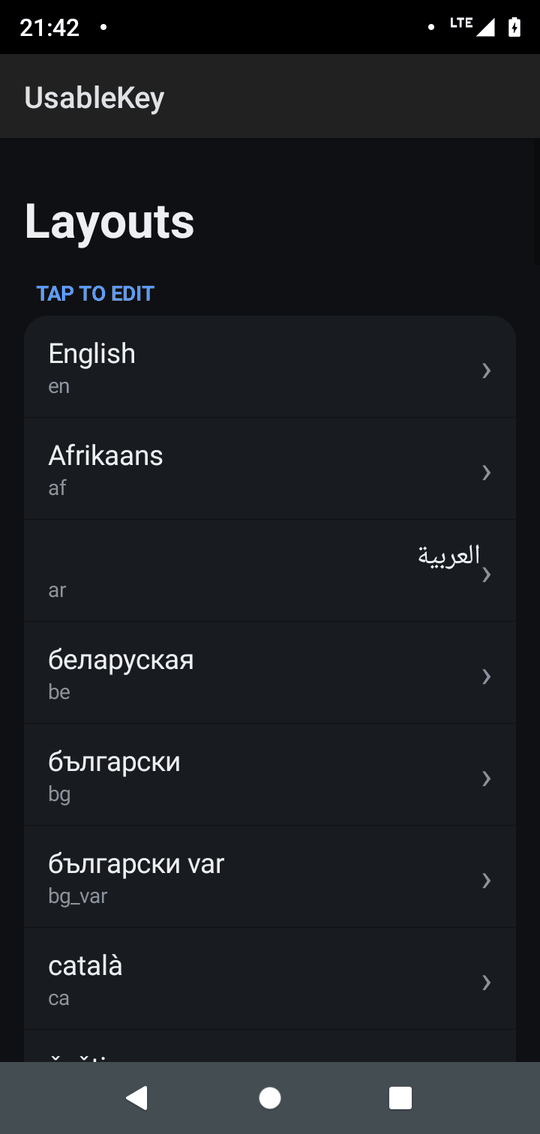
QWERTY, QWERTZ, AZERTY, Dvorak, Colemak, Cyrillic, Arabic, Hebrew, Thai, Devanagari and more, generated from Unicode CLDR.
Word prediction and auto-correct for 13 languages with fuzzy matching, plus your own dictionary.
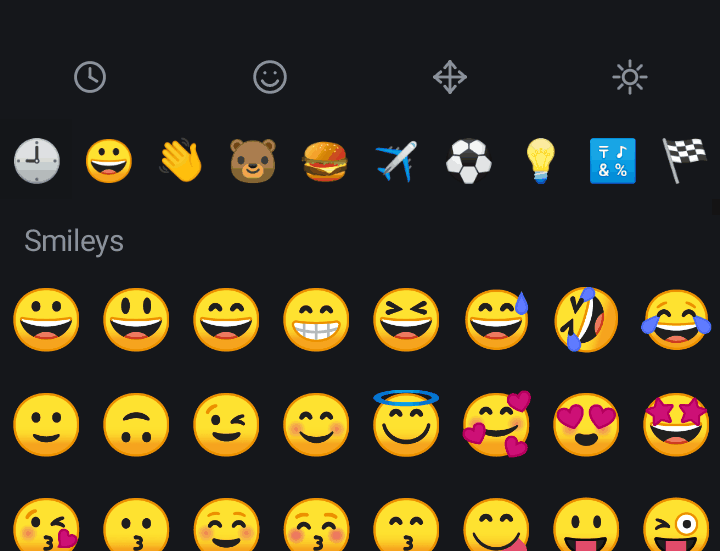
Categories, recents and flags.
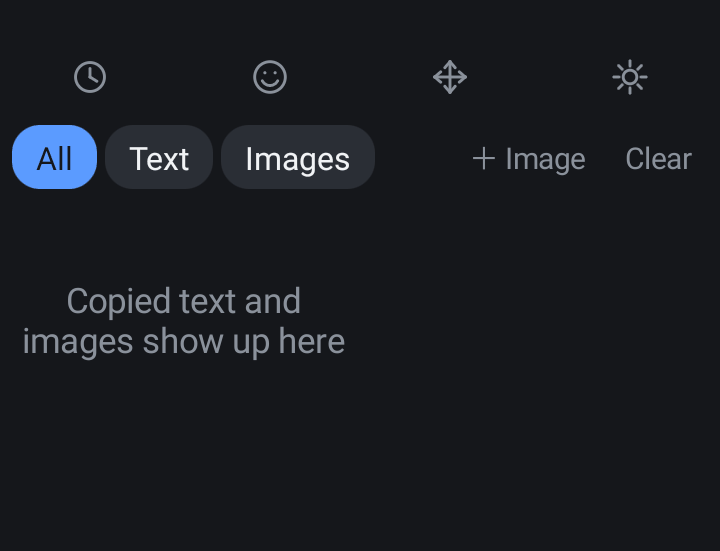
Text and images, with an image shelf for sending pictures into apps.
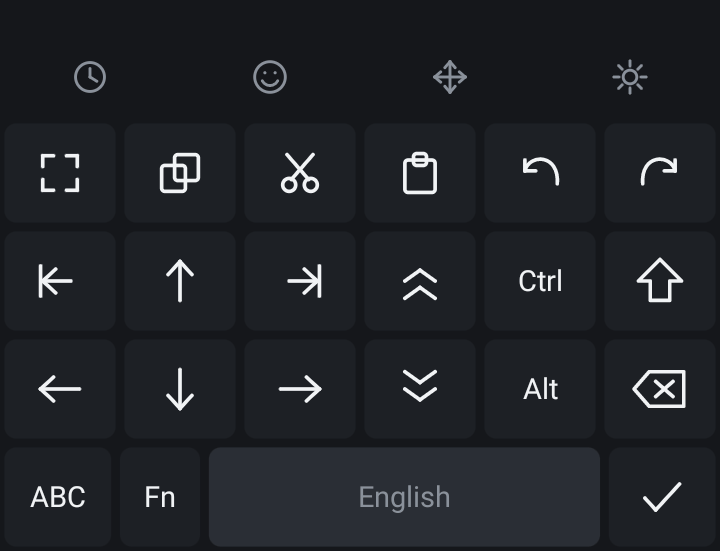
Arrows, select, cut/copy/paste, undo/redo, Ctrl/Alt/Fn.
Dark, light, AMOLED and blue. Adjust key height and long-press delay.
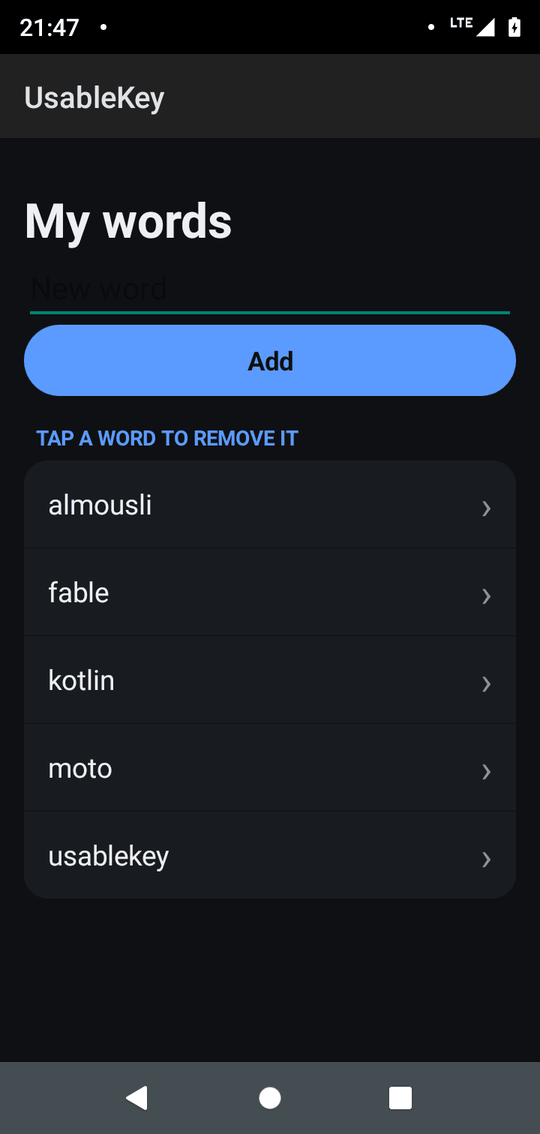
Swipe through the keyboard and settings.
UsableKey is built with minSdkVersion 3, which is Android 1.5 Cupcake, and targets Android 14. It is developed and tested on a recent device; very old versions are untested, so please report any problems.
The whole APK, including 13 dictionaries and 60+ layouts, is under 1 MB. It uses no third-party libraries.
No. It does not request the INTERNET permission, so it cannot send data off your device. Suggestions and the clipboard history are stored locally.
Yes. It is open source under the MIT license, with no ads and no accounts.
Download the APK from the latest GitHub release, install it, then open the app and follow Enable keyboard and Switch to UsableKey.