 Android
Floating Volume
A volume slider that stays out of your way.
Control your Android device's volume with a floating slider you can drag anywhere on screen, from any app.
Stats
Stars over time
Available on
Downloads
Versions
Files
Details
- Platform
- Android
- Size
- 20.3 MB
- SHA-256
- 8169c04373c95593d945218f205a4c4ac90c58d0e719710f42afbde12ca9dd6f
- Platform
- Android
- Size
- 20.3 MB
- SHA-256
- 90df3c4ff84d3049426bb9a4d9449a8aea59f85acf26159bc3cdcbeb244f8125
- Platform
- Android
- Size
- 19.7 MB
- SHA-256
- 790e4a6c88e5b9355cd929dd34238d2058fdd29bd19d395595c0387540666c13
See how it works
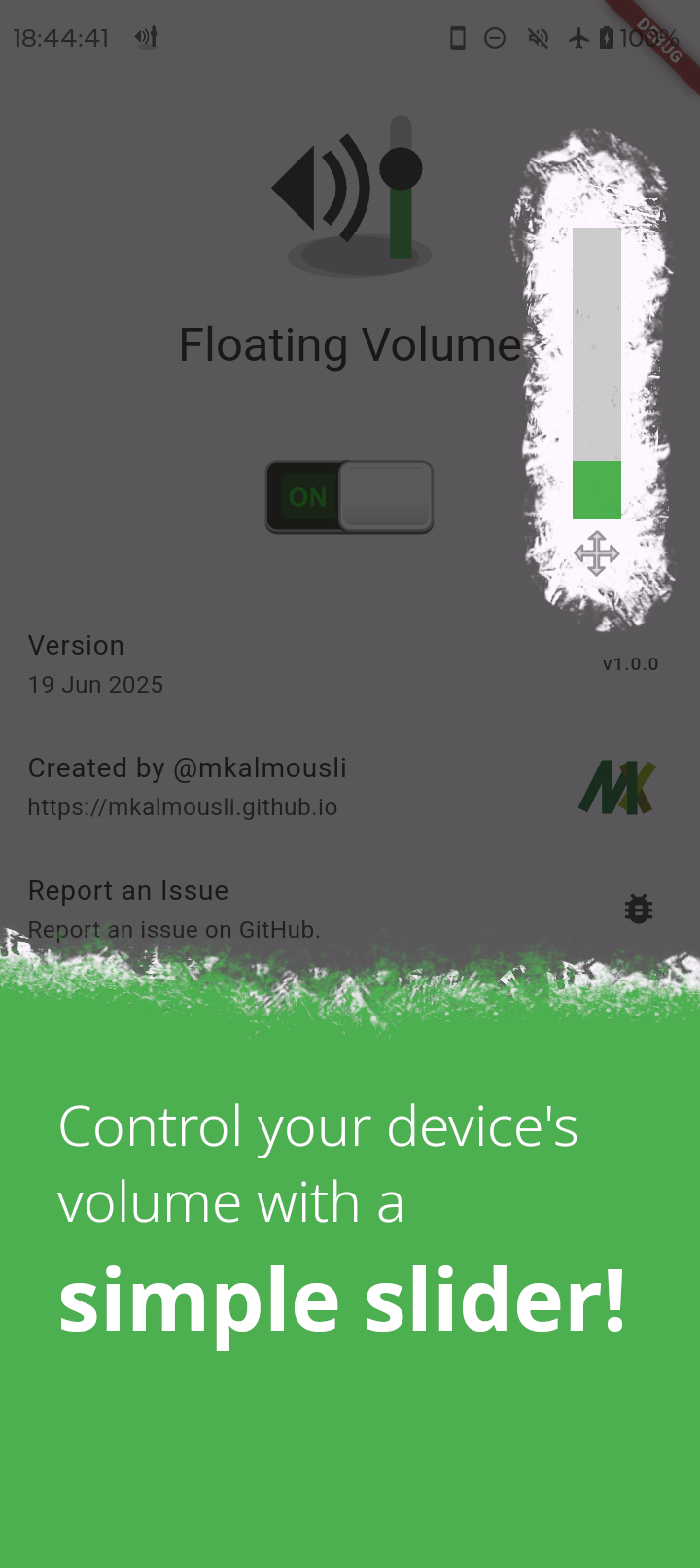
A slider you can always reach
A floating volume slider on top of any app — no more reaching for the hardware keys.
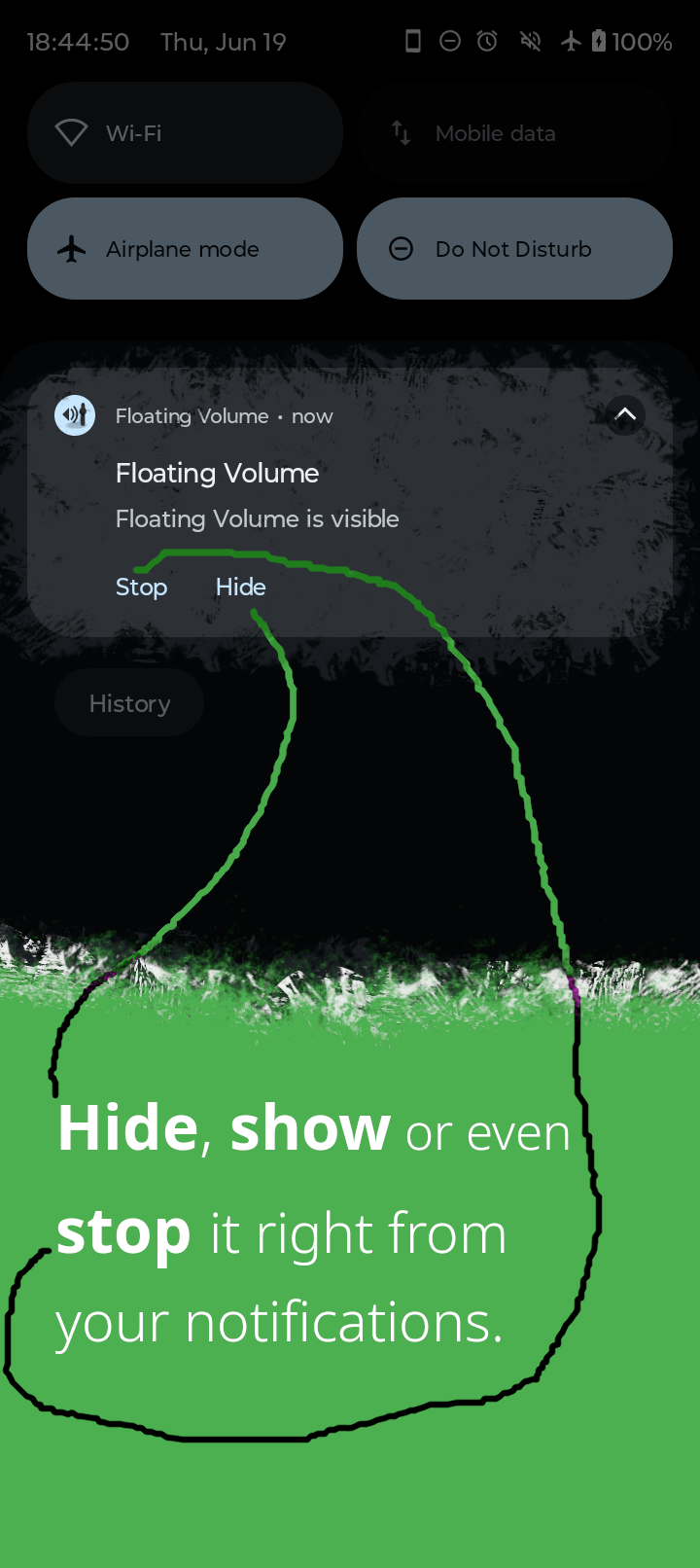
Control it from the notification
Hide, show or stop the slider right from the notification shade.
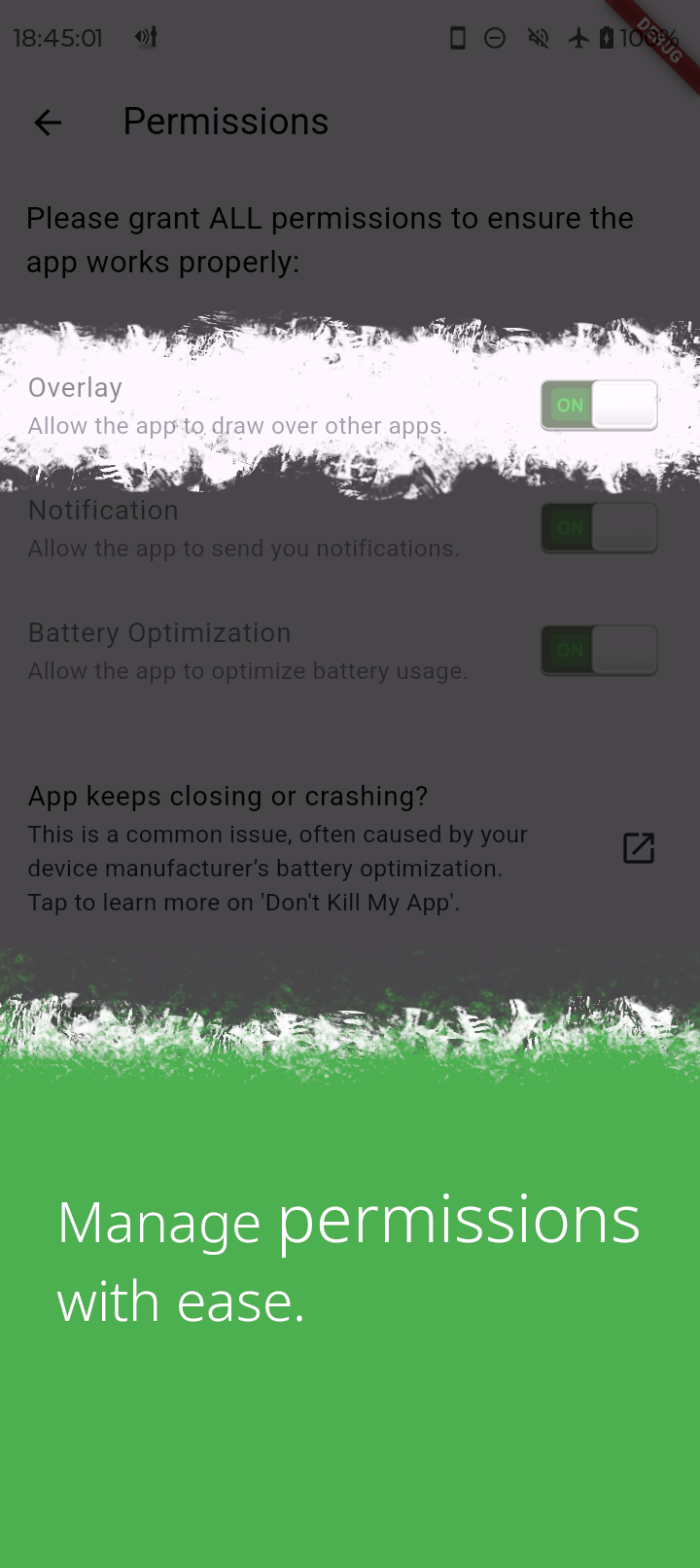
Permissions, plainly listed
The app asks for exactly what it needs — overlay, notifications, battery optimization — and explains each one.
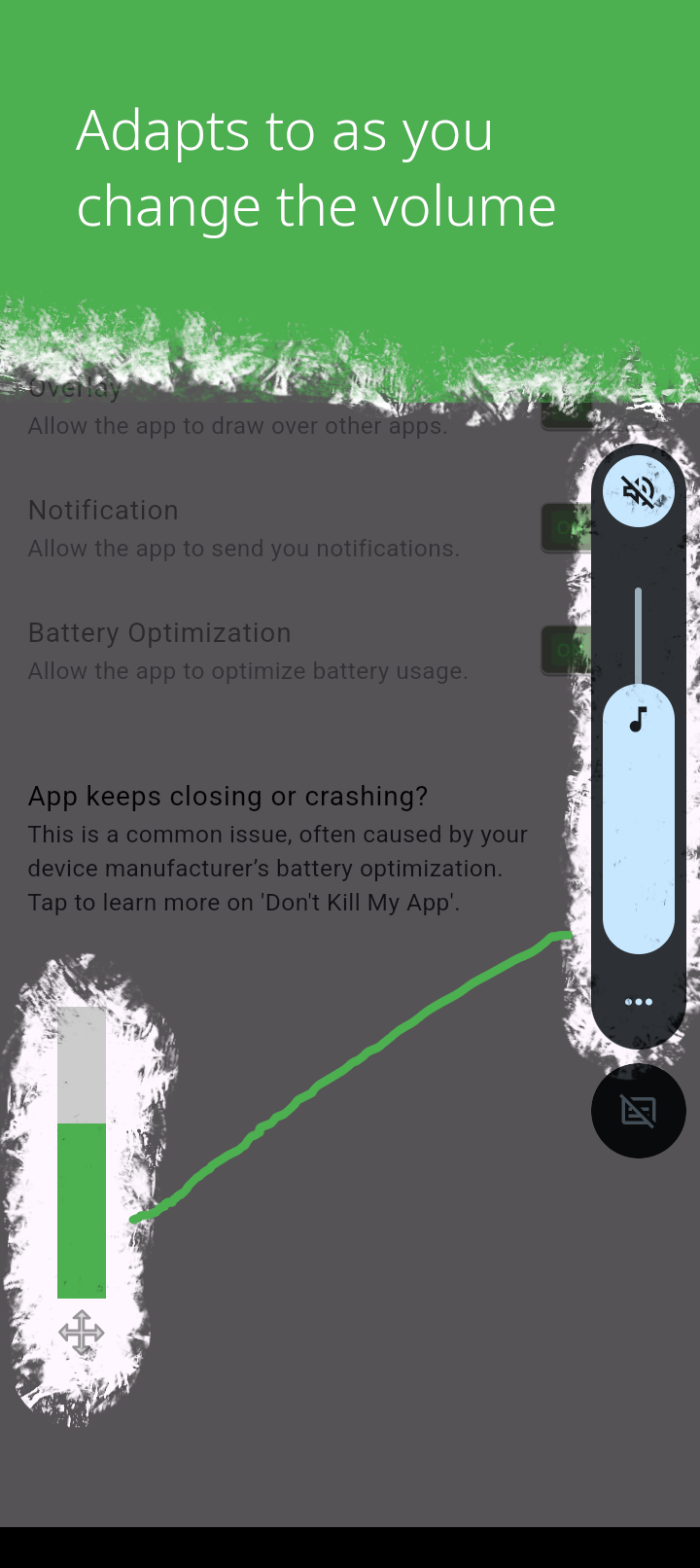
Adapts as the volume changes
Change the volume any other way and the slider follows, so it always shows the truth.
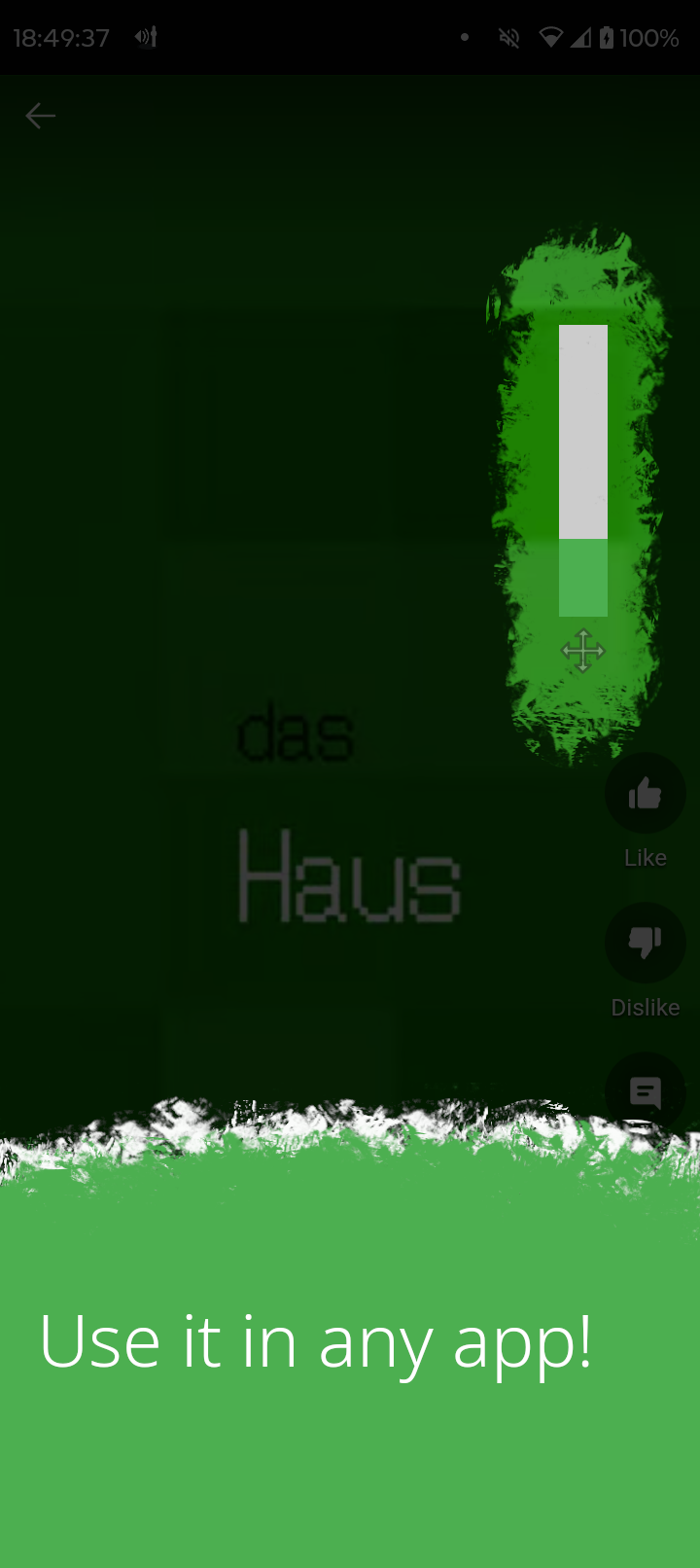
Use it in any app
Floats above browsers, videos and games alike.
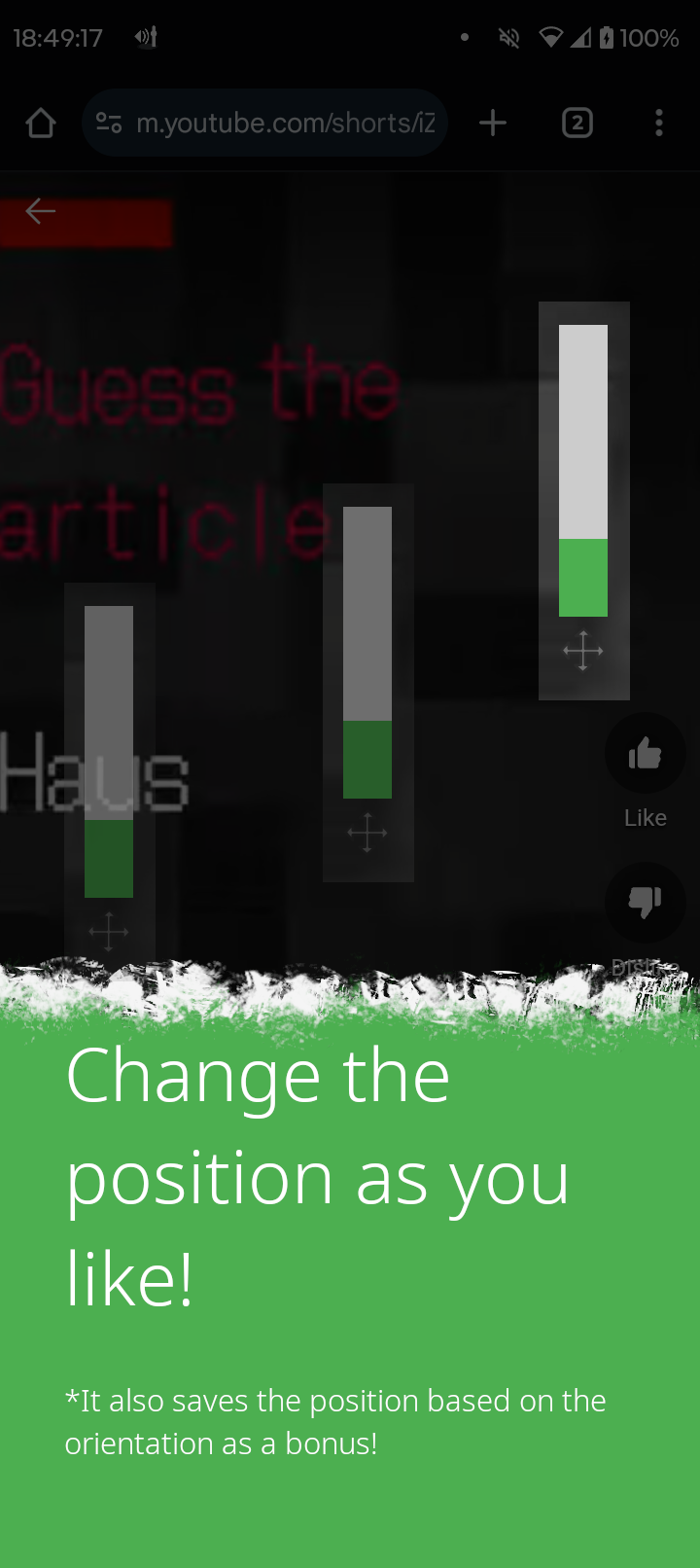
Place it where you like
Drag it anywhere; the position is even remembered per screen orientation.
Why you'll like it
Draggable
Place it anywhere on screen and it stays there.
Fast access
Adjust volume without pulling down system sliders.
F-Droid & GitHub
Available on F-Droid, or as a direct APK download below.
What it's built with, and why
What it's built with, and why
Recent activity
Downloads per release
Related articles
Enjoying this project? Support my open-source work
License: GPL-3.0