← al-mo.de

graytoggle

Instant grayscale mode for Linux, built for the XFCE4 desktop. One command turns your whole screen black-and-white — one command turns it back.

Latest release License: GPL-3.0

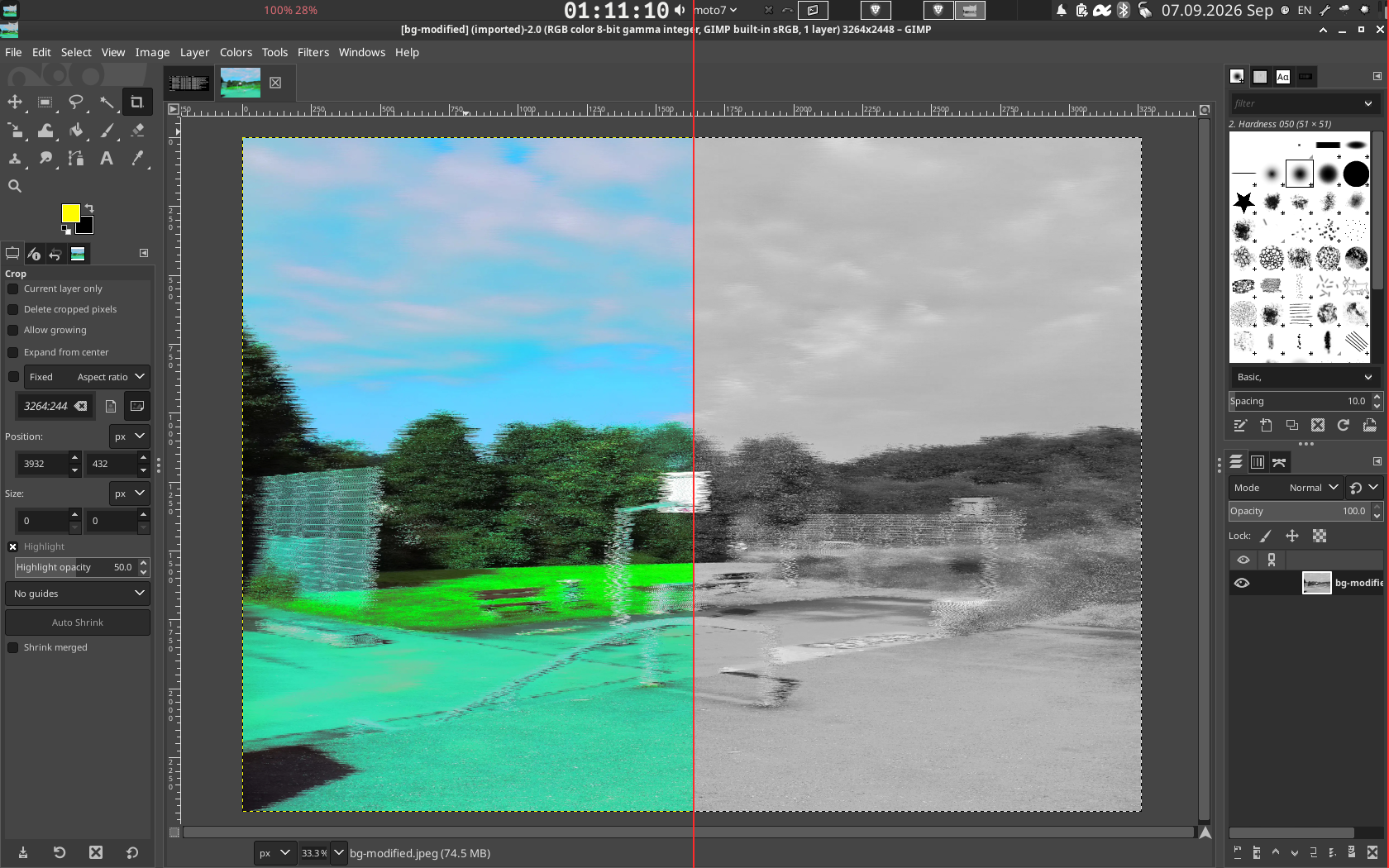
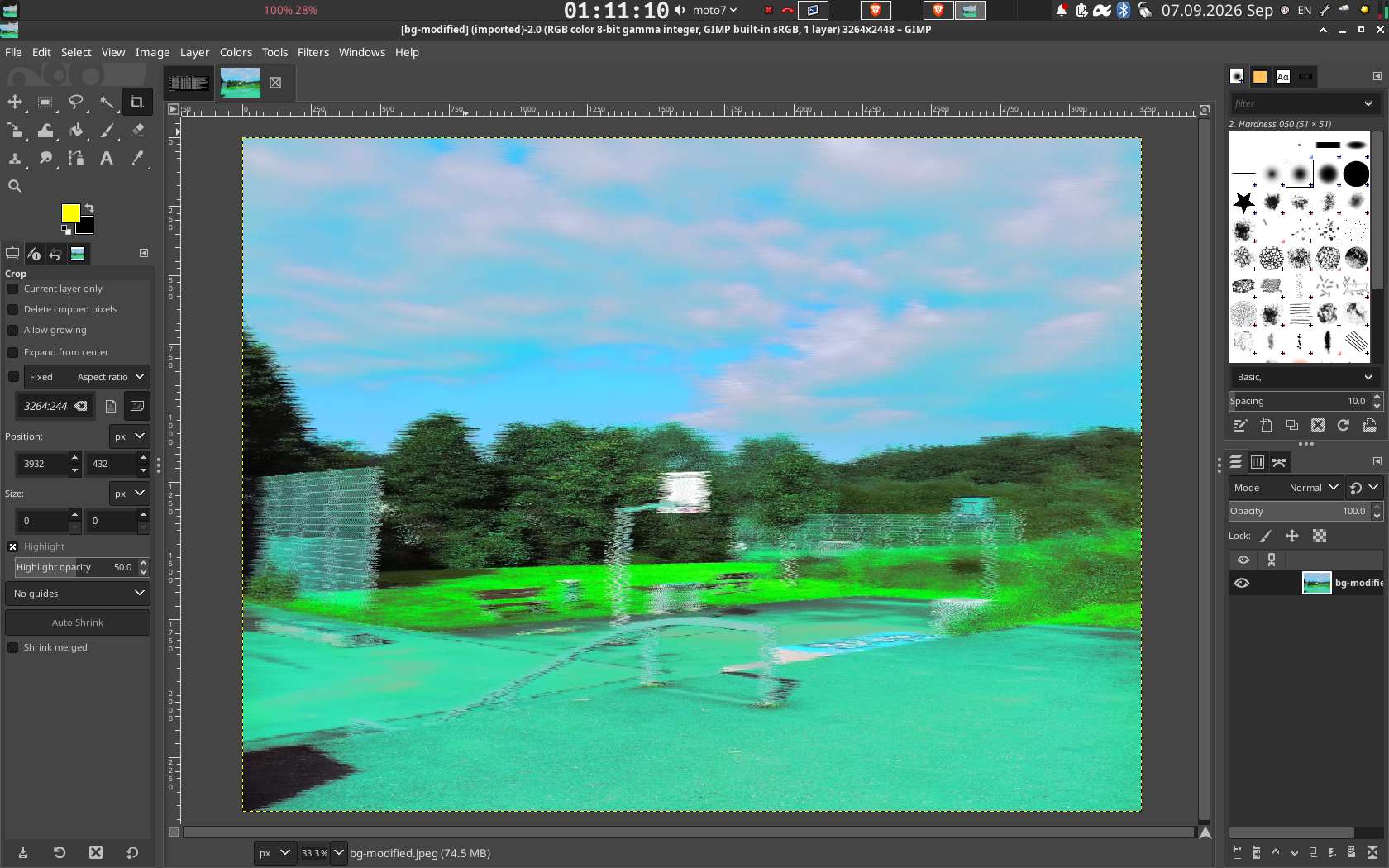
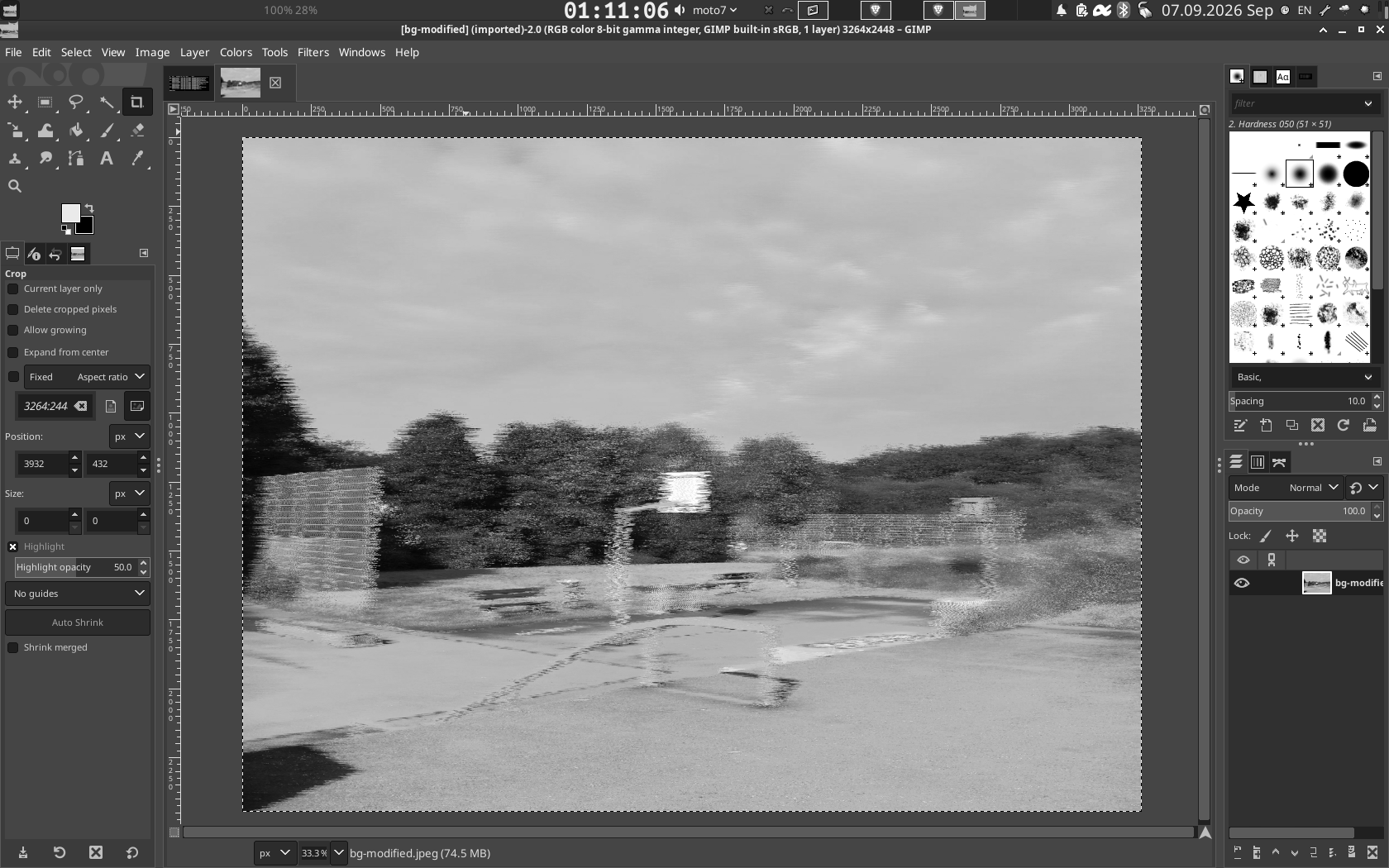
Desktop shown in colour and in grayscale side by side Desktop in full colour Same desktop in grayscale

Overview

Grayscale mode is one of the best-known tricks for cutting screen addiction and doomscrolling — iOS and Android have shipped it for years. Linux desktops, and XFCE4 in particular, never got one: unlike GNOME or KDE there is no setting to flip. graytoggle is that missing feature, as a single command you can bind to a hotkey.

What I built

The hard part isn't the shader — it's owning the compositor safely. Running graytoggle disables xfwm4's built-in compositor via xfconf-query, hot-swaps in picom with a per-window fragment shader, and on the next run stops picom and hands compositing cleanly back to xfwm4 — no orphan processes, shadows and transparency intact, and a safe rollback if any step fails.

The shader computes real luminance (0.2126R + 0.7152G + 0.0722B) per pixel, per window, live. Nothing about the display, monitor, or graphics driver is touched — it is a pure compositing-layer effect. Missing dependencies are detected and the exact install command is printed for apt, dnf, pacman, or zypper.

Built with

Languages

Python GLSL (fragment shader) Shell Makefile

Platform

Linux / X11 XFCE4 · xfwm4 picom compositor xfconf-query xprop

Delivery

make install / uninstall curl one-liner installer Git

Features

One command, toggles

Run it to turn grayscale on; run it again to turn it off.

100% software

No monitor settings, no night-light gimmicks — a real-time compositor shader.

Clean handover

Compositing returns to xfwm4 exactly as it was, every time.

Dependency-aware

Detects what's missing and prints the right install command for your package manager.

--force takeover

Take over from another running compositor when you need to.

Hotkey-friendly

Bind it in XFCE Keyboard settings for a one-key grayscale toggle.

Install

One-liner (clones the repo and runs make install):

curl -fsSL https://raw.githubusercontent.com/mkalmousli/graytoggle/master/install.sh | sh

Installs to ~/.local/bin/graytoggle. Then bind graytoggle to a shortcut and toggle grayscale with one key. Full instructions and manual install are in the README.

Free & open source

graytoggle is licensed under the GPL-3.0. Issues and contributions are welcome on GitHub.

Linux · XFCE4 GPL-3.0 Python · GLSL By Mohamad Almousli