Why grayscale matters (and how hard desktops make it)
Mohamad Almousli · 2026-09-29 · 2 min read
Color isn't neutral. Every red badge, every autoplay thumbnail, every notification dot is tuned — deliberately — to catch your eye and pull you back in. Turning the screen gray removes that lever without removing the content. You can still read, still work, still reply to messages. You just stop getting yanked around by color.
Why bother
This isn't really about aesthetics. Interfaces use color as a reward signal on purpose — red for urgency, blue for trust, saturated accents on exactly the buttons a product wants you to click. Strip the color and most of that manipulation just... stops working. A grayscale phone is famously one of the simplest, best-documented tricks for cutting compulsive checking, because it removes the payoff before you even open the app.
It's also just useful, independent of any of that: grayscale is how designers sanity-check contrast and layout, and it's the fastest way to see your UI the way a colorblind user actually does.
XFCE: graytoggle
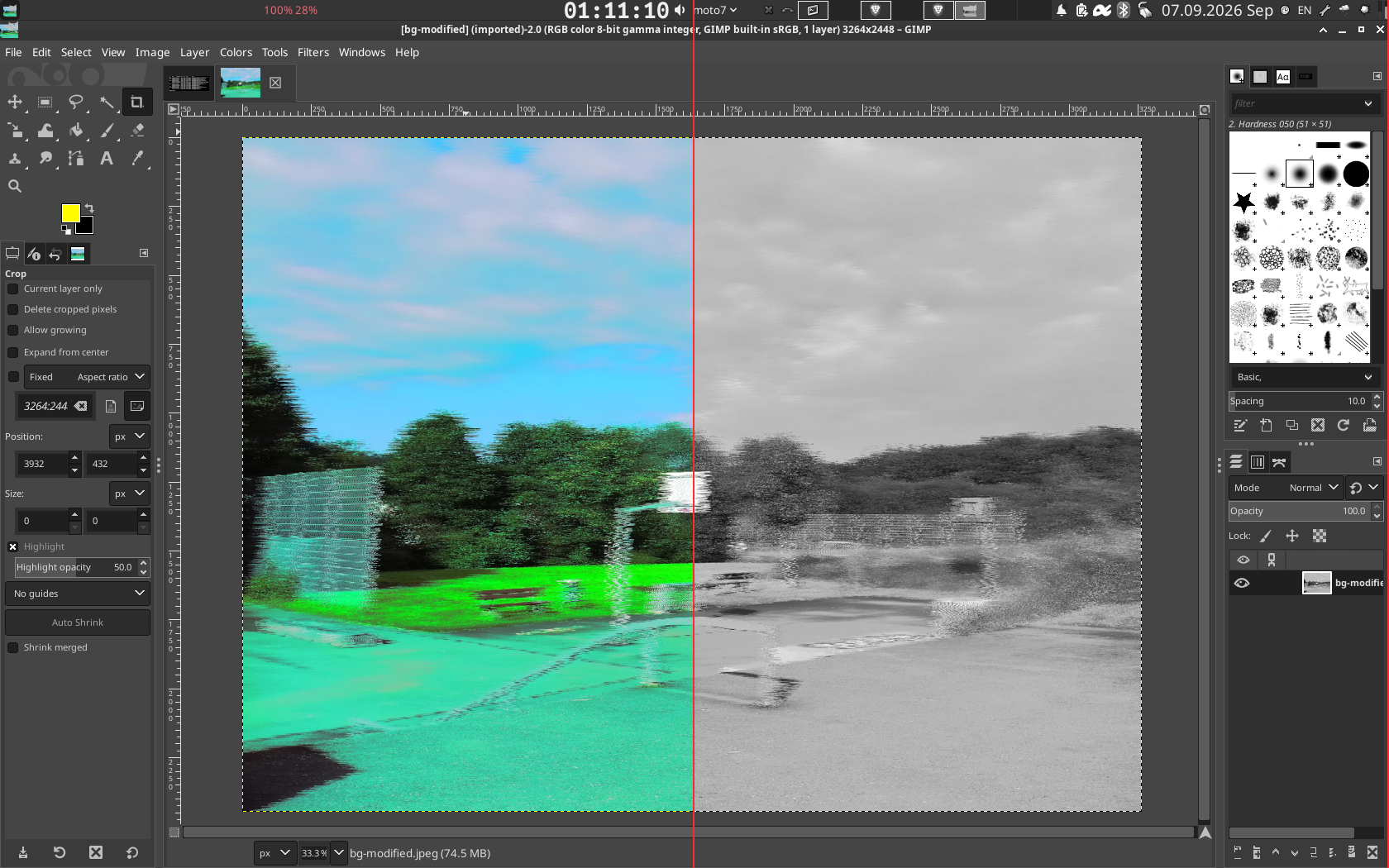
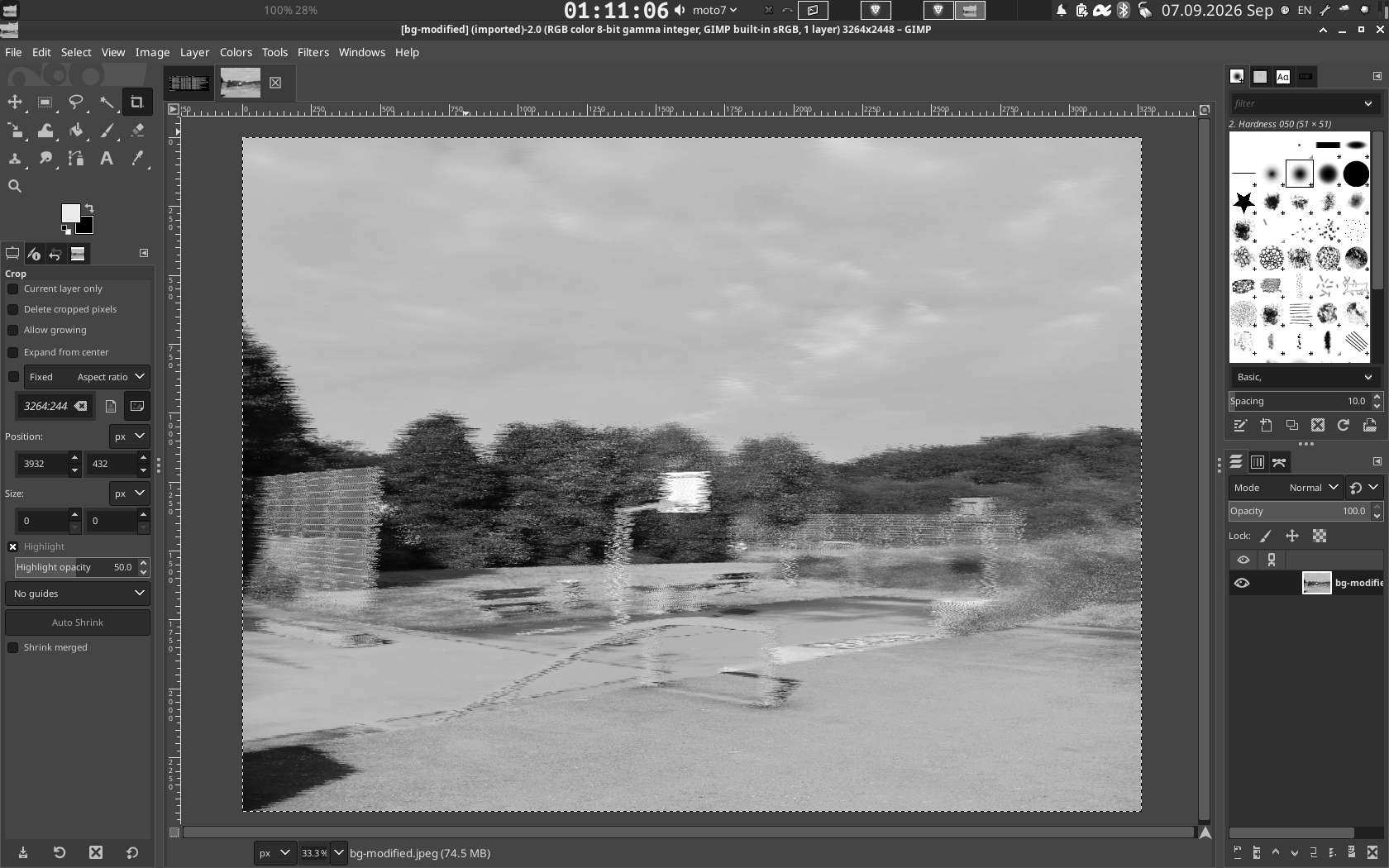
XFCE has no built-in way to do this. There's a saturation slider for your wallpaper, and that's it — nothing for the actual desktop, windows, or panel. So I wrote graytoggle: a one-command toggle that runs the whole screen through the xfwm4 compositor as a real-time shader. No daemon, no background process, no screenshots-and-overlay hack — just an instant, flicker-free switch you can bind to a shortcut.
GNOME and KDE: you don't need to build your own
If you're on GNOME, skip writing a shader — GNOME Shell has extensions that do exactly this, including scheduled and per-window options. If you're on KDE Plasma, KWin scripts cover the same ground at the compositor level, the same layer graytoggle uses on XFCE.
Why this needed its own tool at all
Search for how to do this on XFCE and you mostly find people improvising: lowering the wallpaper's saturation slider (which only ever touches the wallpaper, not windows or the panel), or swapping in an entirely different compositor like Compiz just to get one filter. It's the kind of thread where the accepted answer is a workaround for the workaround.
That gap is exactly why graytoggle exists — a real compositor-level shader for XFCE, instead of one more half-solution.

Keep reading
ThreeTabs is now on the Chrome Web Store
The tab-limit extension can now be installed in one click from the Chrome Web Store, with automatic updates.

WayWayBack: browse a site's whole history on a heat-map calendar
An unofficial, fully client-side browser for the Wayback Machine: pick a year, a month and a day, and open any snapshot.
Claude Status Bar: your Claude Code limits, always visible
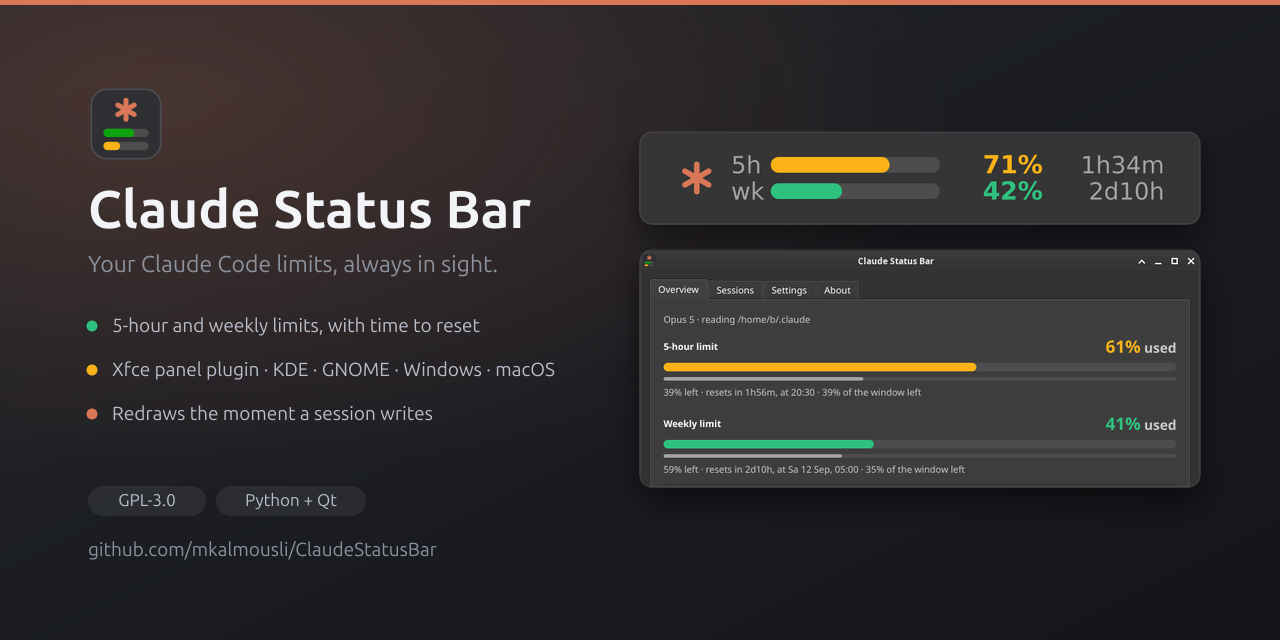
A usage meter that shows both rate limits and the countdown to each reset, in your Xfce panel or system tray.

Floating Mute: mute your phone with one tap, from any app
A small floating button for Android that mutes and unmutes in one tap, made for short videos, and puts your volume back where it was.

Floating Volume: a volume slider that floats above every app
Control your device's volume from anywhere with a floating slider on Android, built with Flutter and a native Kotlin layer.
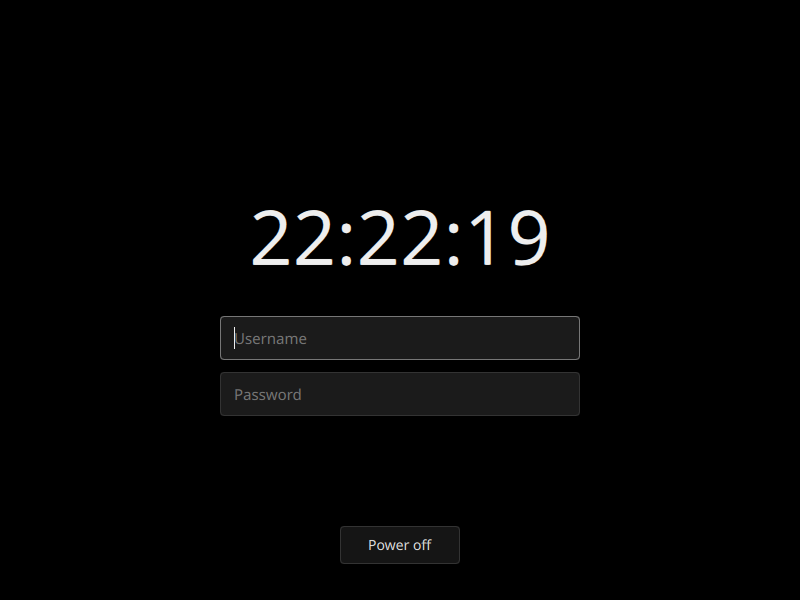
sddm-simplisim: a login screen that is just black
A minimal, pure-black SDDM theme with a live clock, username and password fields, and a power-off button.

FiAE-AP2: a study site for the IHK AP2 exam
Topics, quizzes, flashcards and crash courses for the Fachinformatiker Anwendungsentwicklung exam, in plain JavaScript with no build step.
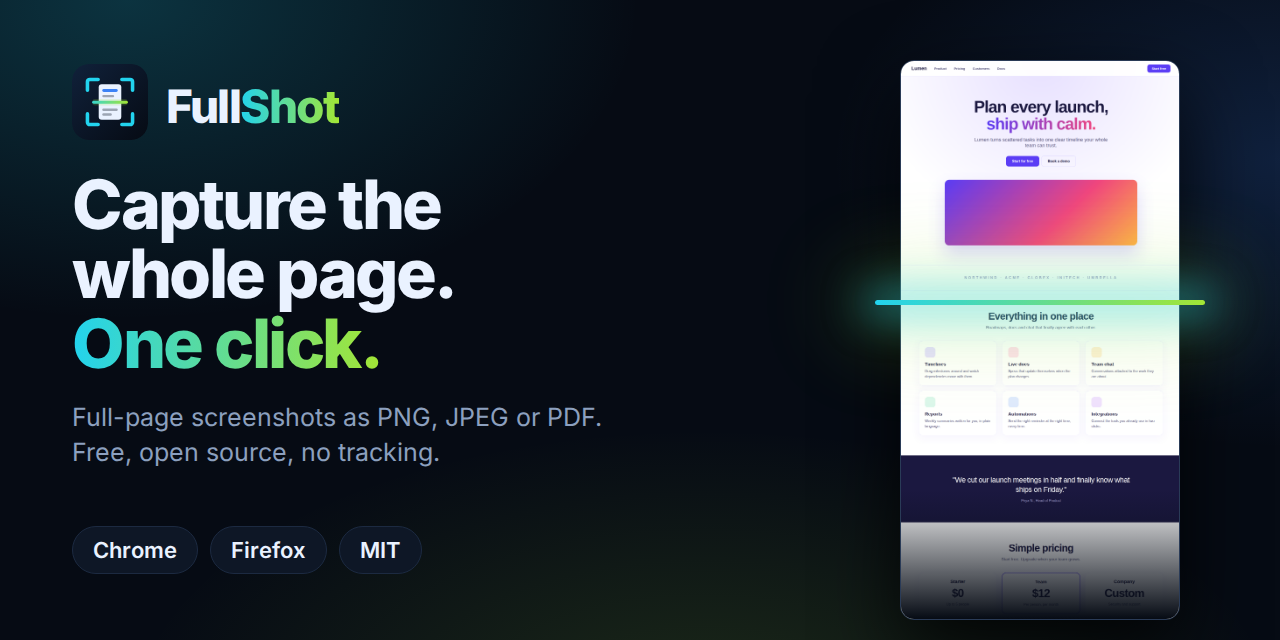
FullShot: full-page screenshots in one click, nothing uploaded
A free, open-source extension that scrolls, stitches and saves whole pages as PNG, JPEG or PDF — entirely on your device.
ThreeTabs: a browser that only lets you open three tabs
Why a hard tab limit beats tab managers, how ThreeTabs enforces it, and what it does (and doesn't) touch.