Claude Status Bar: your Claude Code limits, always visible
Mohamad Almousli · 2026-10-05 · 2 min read
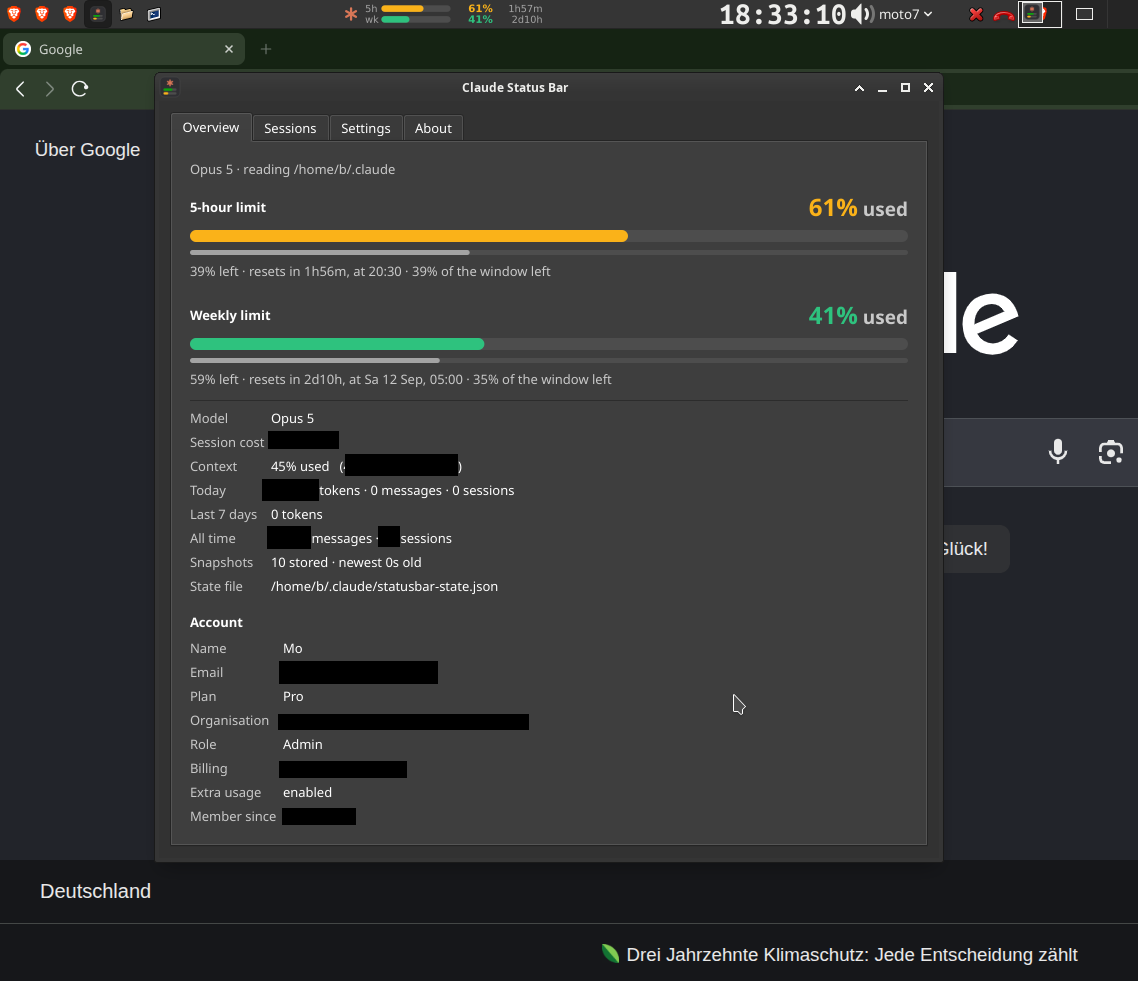
Claude Code has a 5-hour limit and a weekly limit, and finding out you hit one in the middle of work is never fun. Claude Status Bar keeps both visible: a meter for each, the percentage used and the time until it resets, in your panel or tray.
What you see
Both limits at once, each with its own meter, percentage and countdown. The meter changes colour by how much is gone (green, amber, orange, red by default, and the bands are configurable), but the number sits beside it, so colour is never the only signal.
Click the item to open a details window: live meters, a per-session drill-down and every setting, applied as you change it. If the numbers are old, it says so and tells you why.

How it works
It reads only what Claude Code already writes on your machine, through Claude Code's status line, and updates the moment a session writes (a file watch, not polling). The Sessions tab lists every stored snapshot; double-click one to resume that session in a terminal.
The only time it touches the network is an optional update check, once a day.
Where it runs
On Xfce it is a real panel plugin, compiled C, because xfce4-panel loads plugins as shared libraries. On KDE, Cinnamon, MATE and Budgie it is a StatusNotifier tray icon, on GNOME a tray icon (with the AppIndicator extension), on Windows a notification-area icon and on macOS a menu-bar item. Both versions draw the same SVG.
On Linux, `make install` does it; on Windows and macOS run `uv sync` and `uv run claude-statusbar --install`. You need Python 3.9+ and uv.
Keep reading

My stance on AI, from someone who has programmed since 14
It took me time to accept AI. Now I use it every day, but the research, the planning and the structure stay mine, and I try to use it ethically.
How this site is built: a fully custom Kotlin generator
Why this site comes from my own Kotlin project, and how that makes languages, custom features, code organization and SEO so much easier.
ThreeTabs is now on the Chrome Web Store
The tab-limit extension can now be installed in one click from the Chrome Web Store, with automatic updates.
WayWayBack: browse a site's whole history on a heat-map calendar
An unofficial, fully client-side browser for the Wayback Machine: pick a year, a month and a day, and open any snapshot.

Floating Mute: mute your phone with one tap, from any app
A small floating button for Android that mutes and unmutes in one tap, made for short videos, and puts your volume back where it was.

Floating Volume: a volume slider that floats above every app
Control your device's volume from anywhere with a floating slider on Android, built with Flutter and a native Kotlin layer.
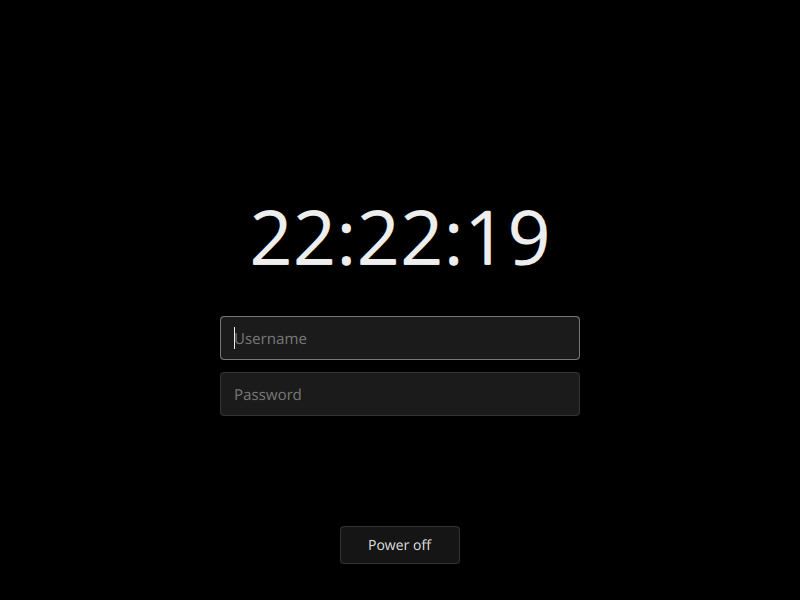
sddm-simplisim: a login screen that is just black
A minimal, pure-black SDDM theme with a live clock, username and password fields, and a power-off button.

FiAE-AP2: a study site for the IHK AP2 exam
Topics, quizzes, flashcards and crash courses for the Fachinformatiker Anwendungsentwicklung exam, in plain JavaScript with no build step.
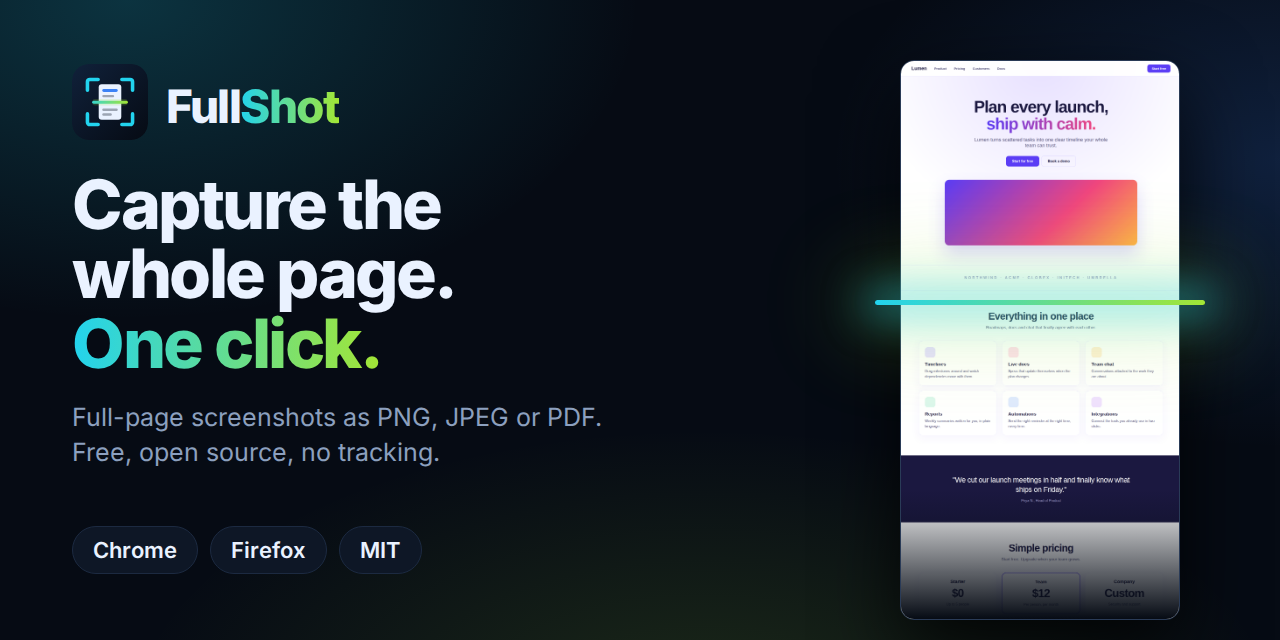
FullShot: full-page screenshots in one click, nothing uploaded
A free, open-source extension that scrolls, stitches and saves whole pages as PNG, JPEG or PDF — entirely on your device.
ThreeTabs: a browser that only lets you open three tabs
Why a hard tab limit beats tab managers, how ThreeTabs enforces it, and what it does (and doesn't) touch.
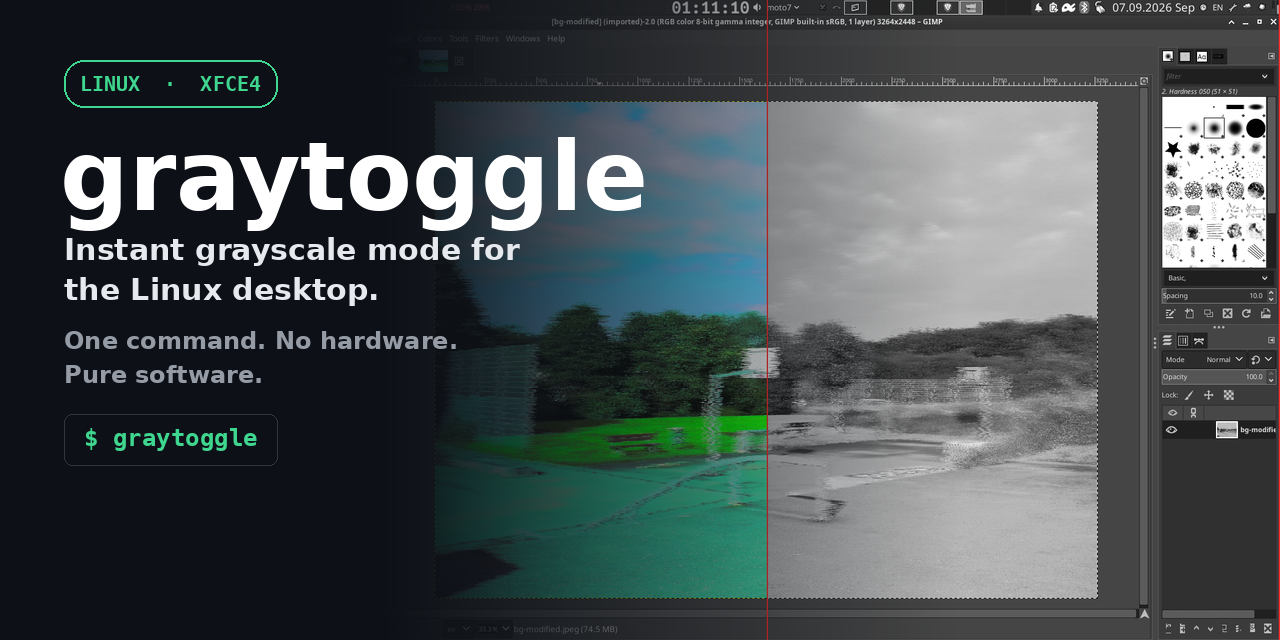
Why grayscale matters (and how hard desktops make it)
Color is a lever built to pull you back in. Here's why I built graytoggle for XFCE, what to use on GNOME and KDE instead, and why none of this should be this hard.