How this site is built: a fully custom Kotlin generator
Mohamad Almousli · 2026-10-06 · 3 min read
Every page you see here is generated by a project I wrote myself in Kotlin. It isn't an off-the-shelf site builder with a theme on top. It's a program built around exactly what this site needs, and that makes almost everything about running it easier.
Why my own project
Ready-made site builders are great until you want something they weren't designed for. Then you spend your time working around the tool instead of working on the site.
With my own project there is nothing to work around. Kotlin is the language I enjoy most, so the whole site is just Kotlin code: pages, components and styles alike. The compiler checks all of it, so a mistake shows up while I'm building, not on the live site.
Three languages, without the pain
The site is in English, German and Arabic, including a proper right-to-left layout for Arabic. Each page keeps its text separate per language, so translating means editing one file and never touching the layout.
Languages are built into the project's structure. If I add a new one, the build points at every page that's still missing its translation, so nothing gets forgotten.
Anything custom is just code
Because I own every part, any feature I want is just another component: the command palette, the project and blog search, the custom video player, the light and dark themes, the download section with checksums. I write it once, and every page gets it.
I also decide exactly what the site loads. Fonts, icons and images are hosted with the site itself, styles are built into each page, and the pages work even without JavaScript.
Better-organized code
Every page follows the same shape: one file for its structure and one for each language's text. Every widget is its own component with its own styles and behavior. Colors, spacing and fonts come from one shared place, so the design stays consistent, and changing it in one spot changes it everywhere.
So I always know where things live, and a change in one place doesn't quietly break another.
SEO built in
Every page declares its own title, description and preview image, and the site handles the rest. Language alternates, structured data for search engines, the sitemap and the blog feed are all generated from the same content as the pages themselves.
Since everything comes from one source, the search-engine data can never fall out of sync with what's actually on the page. When I add a post or a project, it shows up everywhere it should automatically.
Built to be robust
Data the site pulls from elsewhere, like project stats and release files, is cached between builds. If a service is down or limits my requests, the build uses the last good copy instead of failing.
Only files whose content actually changed get rewritten. Downloads are verified with checksums computed during the build, and the site rebuilds and publishes itself whenever something changes. If a build ever fails, nothing is published, so the last good version simply stays online.
Was it worth it?
For me, absolutely. The site is fast, respects visitors' privacy by default, and works exactly the way I want. And I enjoy working on it, which is the real reason a personal site gets updated at all.
Keep reading

My stance on AI, from someone who has programmed since 14
It took me time to accept AI. Now I use it every day, but the research, the planning and the structure stay mine, and I try to use it ethically.
ThreeTabs is now on the Chrome Web Store
The tab-limit extension can now be installed in one click from the Chrome Web Store, with automatic updates.
WayWayBack: browse a site's whole history on a heat-map calendar
An unofficial, fully client-side browser for the Wayback Machine: pick a year, a month and a day, and open any snapshot.
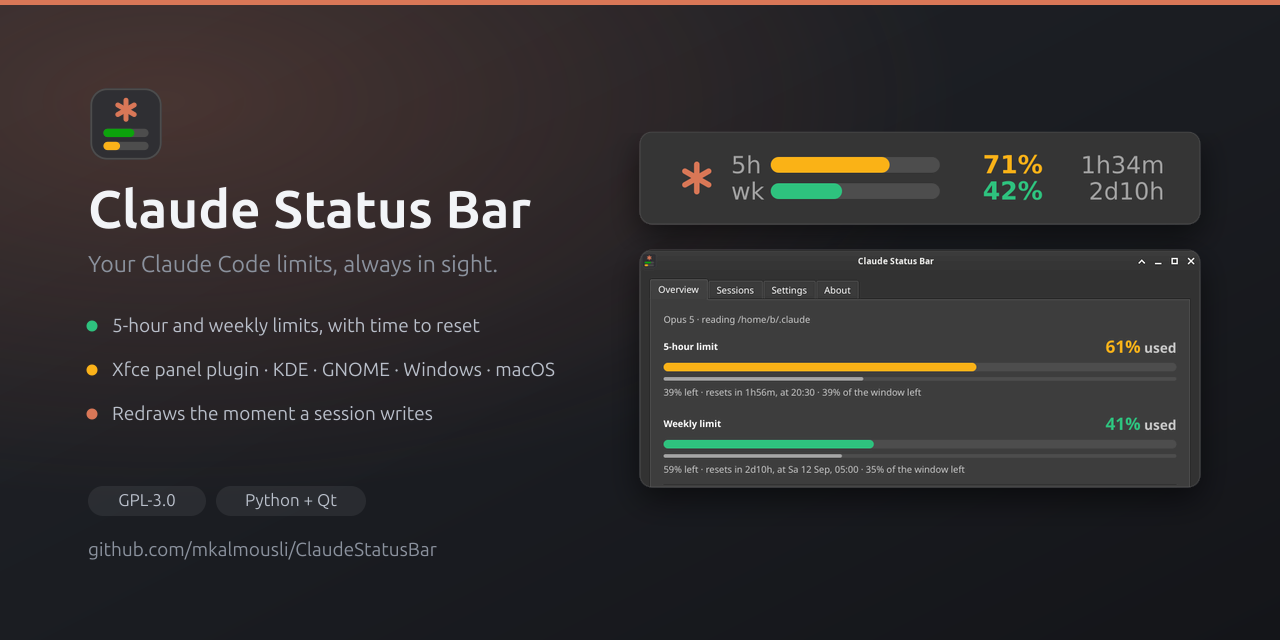
Claude Status Bar: your Claude Code limits, always visible
A usage meter that shows both rate limits and the countdown to each reset, in your Xfce panel or system tray.

Floating Mute: mute your phone with one tap, from any app
A small floating button for Android that mutes and unmutes in one tap, made for short videos, and puts your volume back where it was.

Floating Volume: a volume slider that floats above every app
Control your device's volume from anywhere with a floating slider on Android, built with Flutter and a native Kotlin layer.
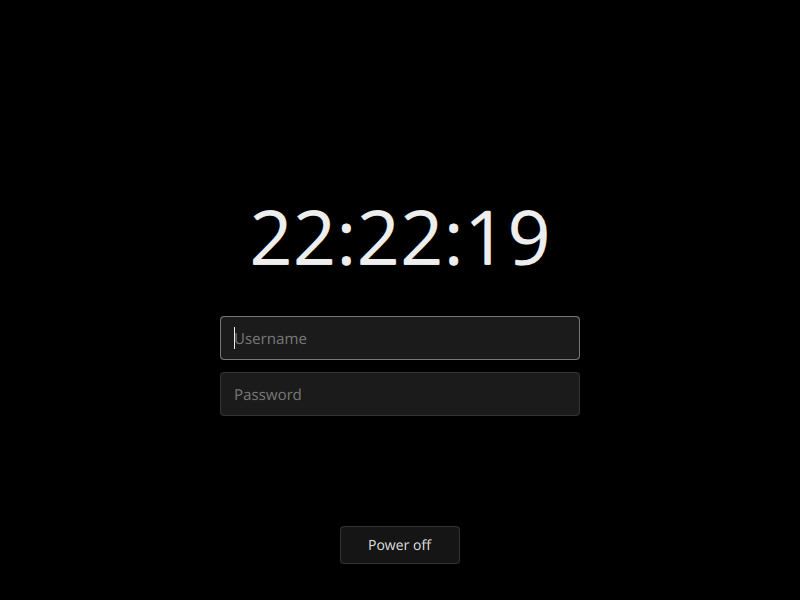
sddm-simplisim: a login screen that is just black
A minimal, pure-black SDDM theme with a live clock, username and password fields, and a power-off button.

FiAE-AP2: a study site for the IHK AP2 exam
Topics, quizzes, flashcards and crash courses for the Fachinformatiker Anwendungsentwicklung exam, in plain JavaScript with no build step.
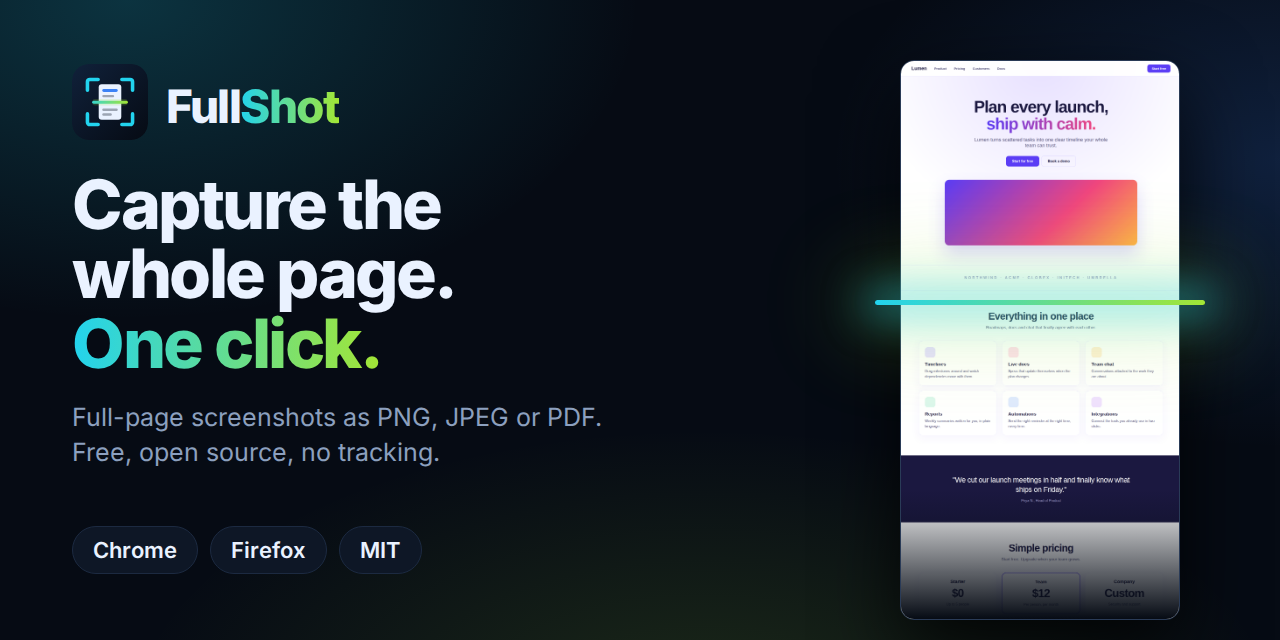
FullShot: full-page screenshots in one click, nothing uploaded
A free, open-source extension that scrolls, stitches and saves whole pages as PNG, JPEG or PDF — entirely on your device.
ThreeTabs: a browser that only lets you open three tabs
Why a hard tab limit beats tab managers, how ThreeTabs enforces it, and what it does (and doesn't) touch.
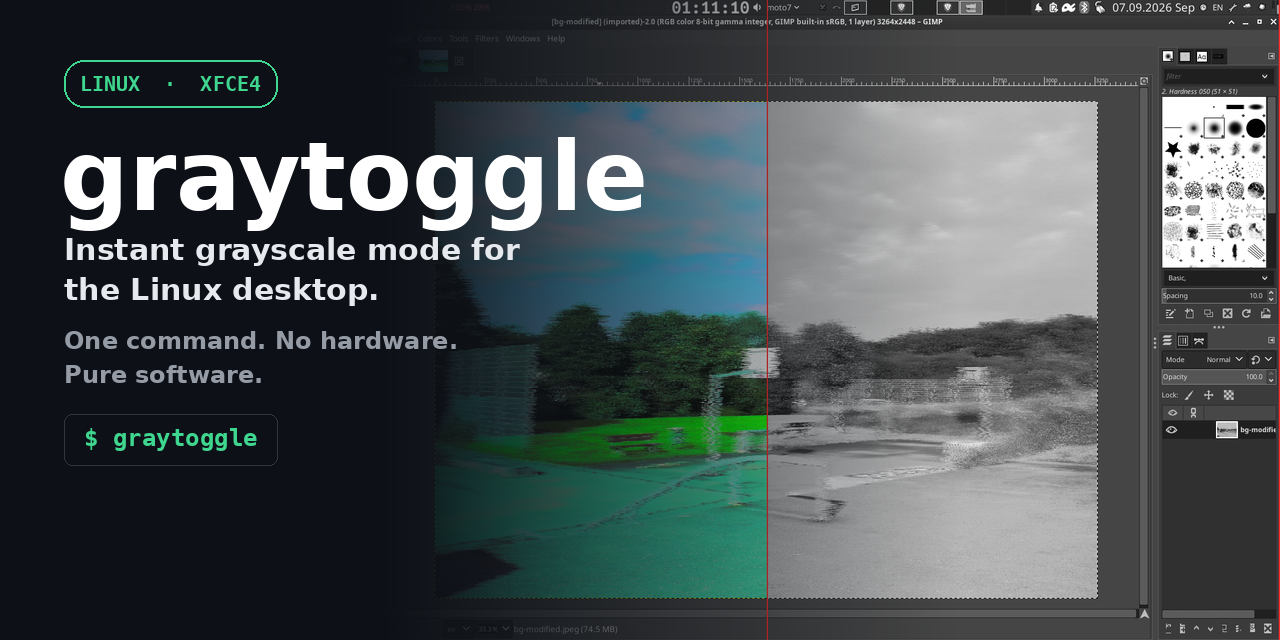
Why grayscale matters (and how hard desktops make it)
Color is a lever built to pull you back in. Here's why I built graytoggle for XFCE, what to use on GNOME and KDE instead, and why none of this should be this hard.